Introduction
AI is everywhere in 2026 — but building a production-ready AI chat app is still challenging, especially when using low-code tools like FlutterFlow.
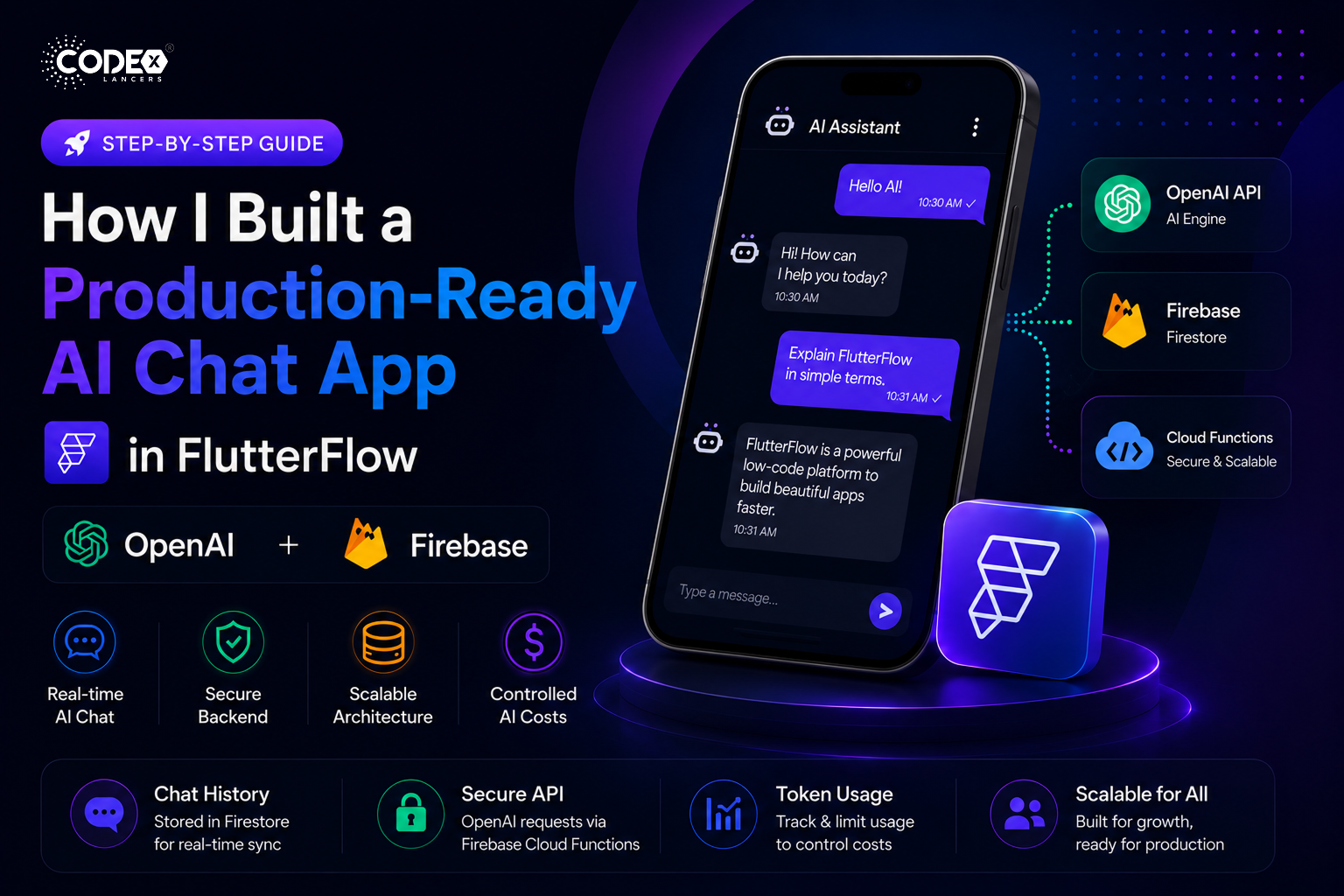
In this article, I’ll walk you through how I built a scalable AI chat system using FlutterFlow + Firebase + OpenAI API.
Architecture Overview
My setup looks like this:
- Frontend → FlutterFlow UI
- Backend → Firebase (Firestore + Cloud Functions)
- AI Engine → OpenAI API
- Storage → Chat history in Firestore
Chat Data Structure
Each message is stored like this:
{
"userId": "123",
"message": "Hello AI",
"response": "Hi, how can I help?",
"timestamp": "server_time"
}
This allows:
- Easy chat history retrieval
- Real-time UI updates
- Scalable structure
Securing OpenAI API
Never expose your API key in the frontend.
Instead:
- Use Firebase Cloud Functions
- Send request → backend → OpenAI → return response
This keeps your app secure.
Handling Token Usage (Cost Control)
AI APIs can get expensive.
What I did:
- Limit message length
- Store token usage
- Restrict free users (daily limit)
UI Challenges & Solutions
Problem:
- Chat UI lag with many messages
Solution:
- Pagination
- Lazy loading
- Efficient Firestore queries
Final Result
- Real-time AI chat
- Scalable backend
- Controlled cost
- Smooth UI
Final Thoughts
FlutterFlow is powerful — but combining it with backend logic is the real game-changer.