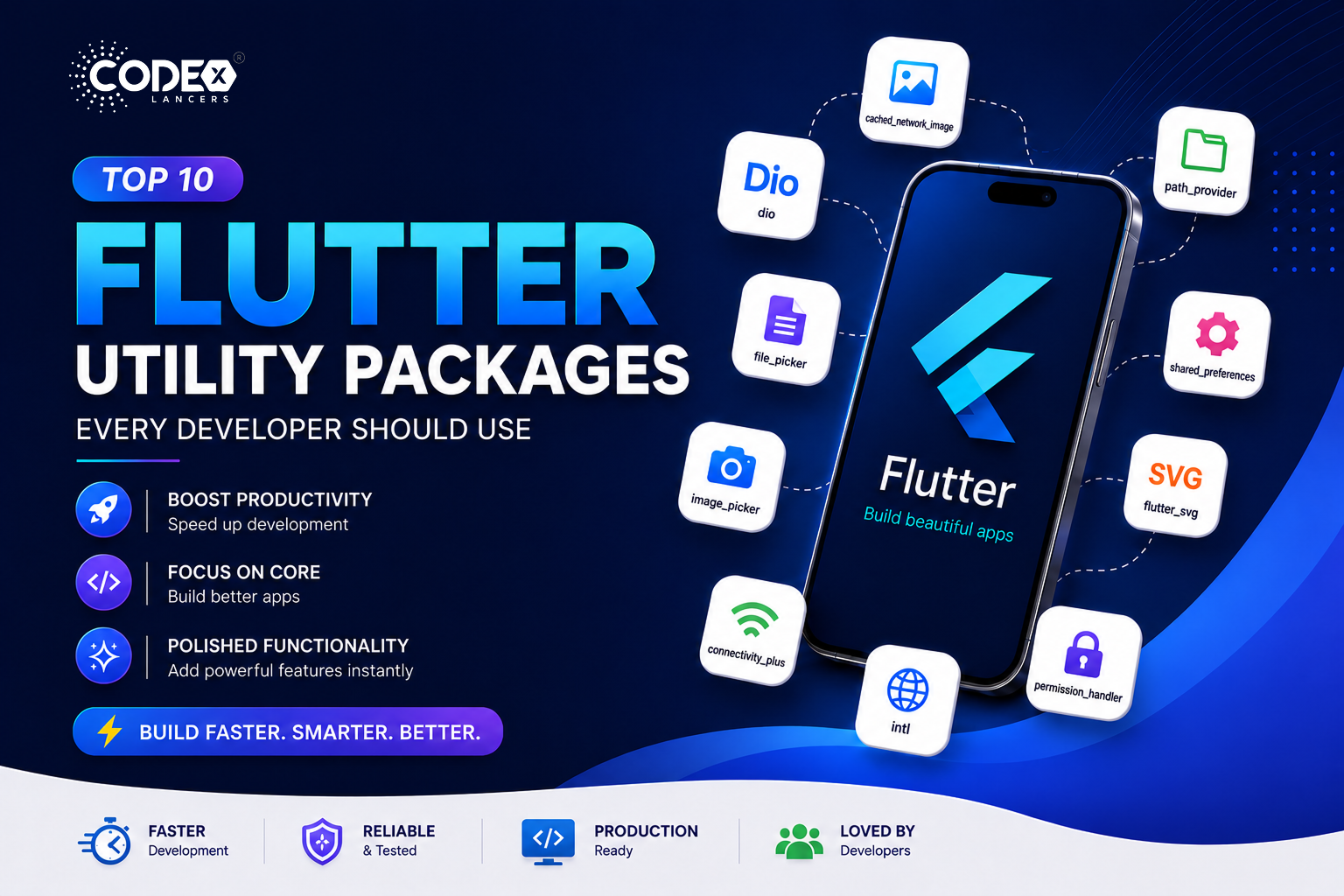

Flutter is incredibly powerful, but what truly boosts productivity is its ecosystem of ready-to-use utility packages.
Instead of building everything from scratch, these packages help you:
- Speed up development
- Focus on core features
- Add polished functionality instantly
In this guide, we’ll explore 10 highly practical Flutter packages that you’ll actually use in real-world apps.
Top 10 Must-Have Flutter Utility Packages
1. cached_network_image
https://pub.dev/packages/cached_network_image
Description
Efficiently loads and caches images from the internet.
Key Features
- Automatic caching
- Placeholder & error widgets
- Smooth image loading
Use Cases
- Social media apps
- E-commerce apps
- Profile images
Example
CachedNetworkImage(
imageUrl: "https://example.com/image.jpg",
placeholder: (context, url) => CircularProgressIndicator(),
errorWidget: (context, url, error) => Icon(Icons.error),
);
Pros
- Improves performance
- Reduces network calls
Cons
- Limited cache control
2. dio
Description
A powerful HTTP client for handling APIs.
Key Features
- Interceptors
- Request cancellation
- Logging support
Use Cases
- REST API integration
- Token handling
- Debugging network calls
Example
final dio = Dio();
final response = await dio.get('https://api.example.com');
Pros
- Feature-rich
- Scalable
Cons
- Slight learning curve
3. path_provider
https://pub.dev/packages/path_provider
Description
Provides access to device storage paths.
Key Features
- App directory access
- Temporary storage paths
- Cross-platform support
Use Cases
- Save files locally
- Cache data
- Store downloads
Example
final directory = await getApplicationDocumentsDirectory();
print(directory.path);
Pros
- Essential for file handling
Cons
- Only provides paths
4. file_picker
https://pub.dev/packages/file_picker
Description
Allows users to select files from their device.
Key Features
- Multi-file selection
- Supports all file types
- Cross-platform
Use Cases
- Upload documents
- Media selection
- Resume uploads
Example
FilePickerResult? result = await FilePicker.platform.pickFiles();
if (result != null) {
print(result.files.single.path);
}
Pros
- Simple and flexible
Cons
- Requires permissions
5. shared_preferences
https://pub.dev/packages/shared_preferences
Description
Stores simple data locally using key-value pairs.
Key Features
- Lightweight storage
- Persistent data
- Easy to use
Use Cases
- Save user settings
- Store login flags
- Theme preferences
Example
final prefs = await SharedPreferences.getInstance();
await prefs.setString('username', 'John');
Pros
- Very easy to implement
Cons
- Not secure for sensitive data
6. image_picker
https://pub.dev/packages/image_picker
Description
Pick images from camera or gallery.
Key Features
- Camera & gallery support
- Simple API
Use Cases
- Profile picture upload
- Social apps
- Image sharing
Example
final image = await ImagePicker().pickImage(source: ImageSource.gallery);
Pros
- Easy integration
Cons
- Requires permissions
7. flutter_svg
https://pub.dev/packages/flutter_svg
Description
Render SVG images in Flutter apps.
Key Features
- High-quality vector rendering
- Scalable UI assets
Use Cases
- Icons
- Logos
- Illustrations
Example
SvgPicture.asset('assets/icon.svg');
Pros
- Sharp UI across devices
Cons
- Complex SVGs may fail
8. connectivity_plus
https://pub.dev/packages/connectivity_plus
Description
Detect internet connectivity status.
Key Features
- WiFi/mobile detection
- Real-time updates
Use Cases
- Offline UI handling
- Network monitoring
Example
var result = await Connectivity().checkConnectivity();
Pros
- Lightweight
Cons
- Doesn’t guarantee internet access
9. intl
Description
Provides internationalization and formatting utilities.
Key Features
- Date formatting
- Number formatting
- Localization support
Use Cases
- Multi-language apps
- Currency formatting
- Date/time display
Example
import 'package:intl/intl.dart';

String formattedDate = DateFormat('dd MMM yyyy').format(DateTime.now());
Pros
- Essential for global apps
Cons
- Slightly verbose setup
10. permission_handler
https://pub.dev/packages/permission_handler
Description
Handles runtime permissions on Android & iOS.
Key Features
- Request/check permissions
- Supports all major permissions
- Cross-platform
Use Cases
- Camera access
- Storage access
- Location permissions
Example
var status = await Permission.camera.request();
if (status.isGranted) {
print("Camera permission granted");
}
Pros
- Must-have for real apps
Cons
- Platform configuration required
Bonus Package :
11. url_launcher
https://pub.dev/packages/url_launcher
Description
Launch URLs, emails, phone calls, and apps.
Key Features
- Open websites
- Make phone calls
- Send emails
Use Cases
- Contact buttons
- Open external links
- Deep linking
Example
launchUrl(Uri.parse("https://flutter.dev"));
Pros
- Very versatile
Cons
- Needs platform setup
Conclusion
Using the right Flutter utility packages can dramatically improve your development workflow.
Key Takeaways:
- Use practical packages like cached_network_image, dio, and shared_preferences
- Add intl for localization
- Use permission_handler for real-world permissions
With the right tools, you can build apps that are:
- Faster
- More efficient
- Production-ready