
Introduction
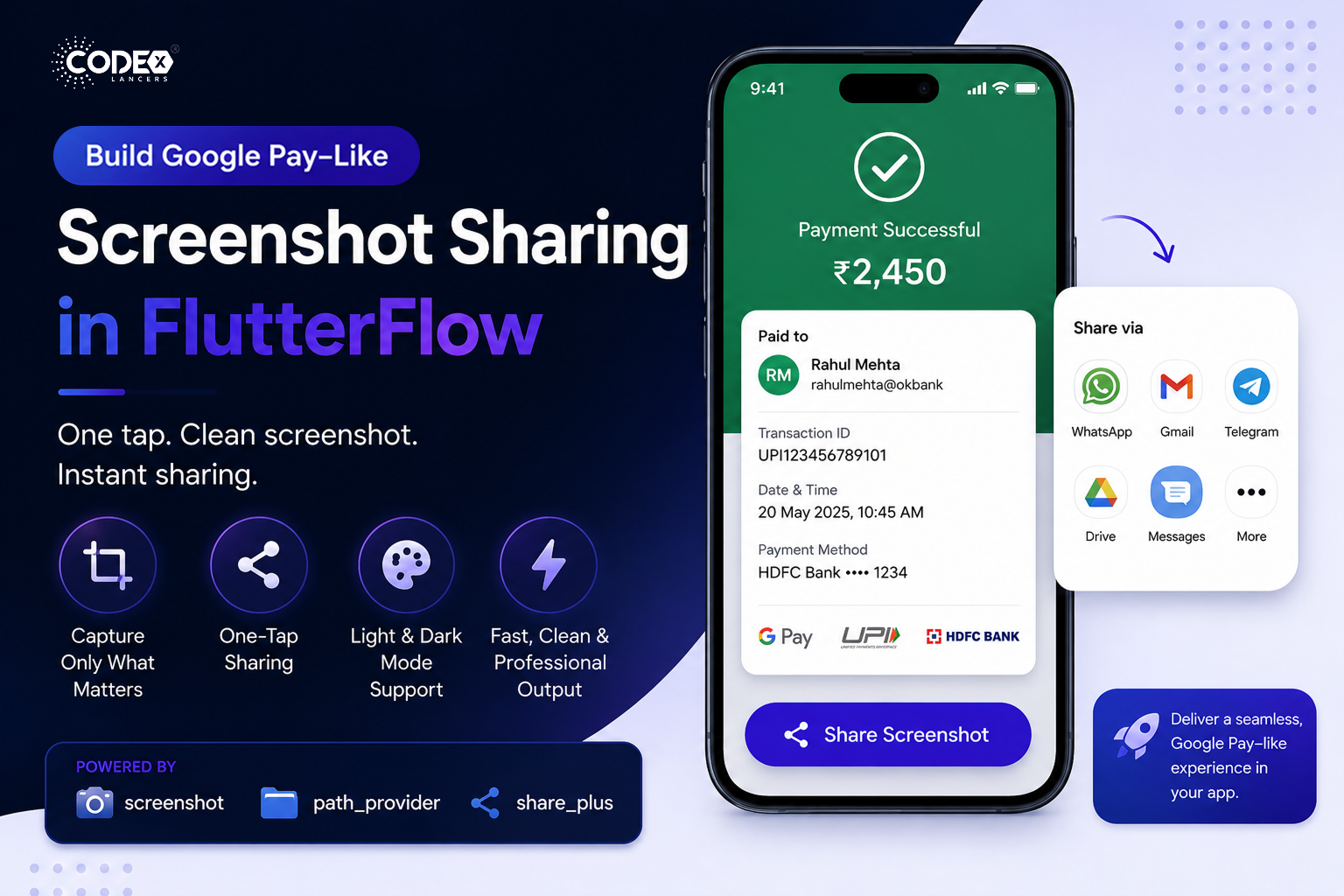
Have you ever noticed how smoothly Google Pay lets users share a payment screenshot instantly?
With just one tap, a clean, perfectly formatted image is generated and shared — no manual screenshots, no cropping, no hassle.
I implemented a similar one-tap screenshot sharing feature in FlutterFlow using Custom Actions, and in this article, I’ll walk you through the approach, tools, and benefits.
The Problem
Before implementing this feature, users typically relied on manual screenshots:
- Taking screenshots manually
- Cropping unwanted UI elements
- Sharing inconsistent or messy images
This leads to a poor user experience, especially in apps where sharing data (like payments or receipts) is frequent.
The Solution
To solve this, we implemented:
- One-tap screenshot capture
- Capture only the required UI section
- Direct sharing via native share sheet
All of this was built inside FlutterFlow using Custom Actions, combining low-code UI with custom Flutter logic.
How It Works
The implementation is simple yet powerful:
- Wrap the required UI inside a Screenshot widget
- Use a ScreenshotController to manage capture
- Trigger the capture on button tap
Only the wrapped UI is captured — ensuring clean and consistent output every time.
Packages Used
We used lightweight and production-ready packages:
- screenshot → Capture widget as an image
- path_provider → Store the image temporarily
- share_plus → Share using native apps
This combination keeps the implementation efficient and scalable.
Smart UI Handling
To ensure professional output, we also handled:
- Light & Dark mode compatibility
- Custom background images for better presentation
- Consistent layout across devices
Result: Clean, polished, and share-ready screenshots every time.
Use Cases
This feature is extremely useful for:
- Payment confirmations
- Transaction receipts
- Order summaries
- Reports and dashboards
It is especially valuable in fintech and utility apps where sharing information is frequent.
Why FlutterFlow + Custom Actions
This implementation highlights the power of combining:
- Rapid UI development with FlutterFlow
- Full flexibility using custom Flutter code
- Easy integration with native capabilities
You truly get the best of boh worlds: speed + control
Final Outcome
- Improved overall user experience
- Reduced friction in sharing workflows
- Faster and cleaner content sharing
- Achieved a Google Pay–like seamless UX
Conclusion
If you’re building apps in FlutterFlow and want to deliver advanced, polished user experiences — Custom Actions are the key.
They allow you to go beyond limitations and implement features that feel truly native and professional.
Final Thoughts
Low-code doesn’t mean low-power.
With the right approach, you can build high-quality, production-ready features that rival top-tier apps like Google Pay.
#Flutter #FlutterFlow #Mobile Development #UX Design